






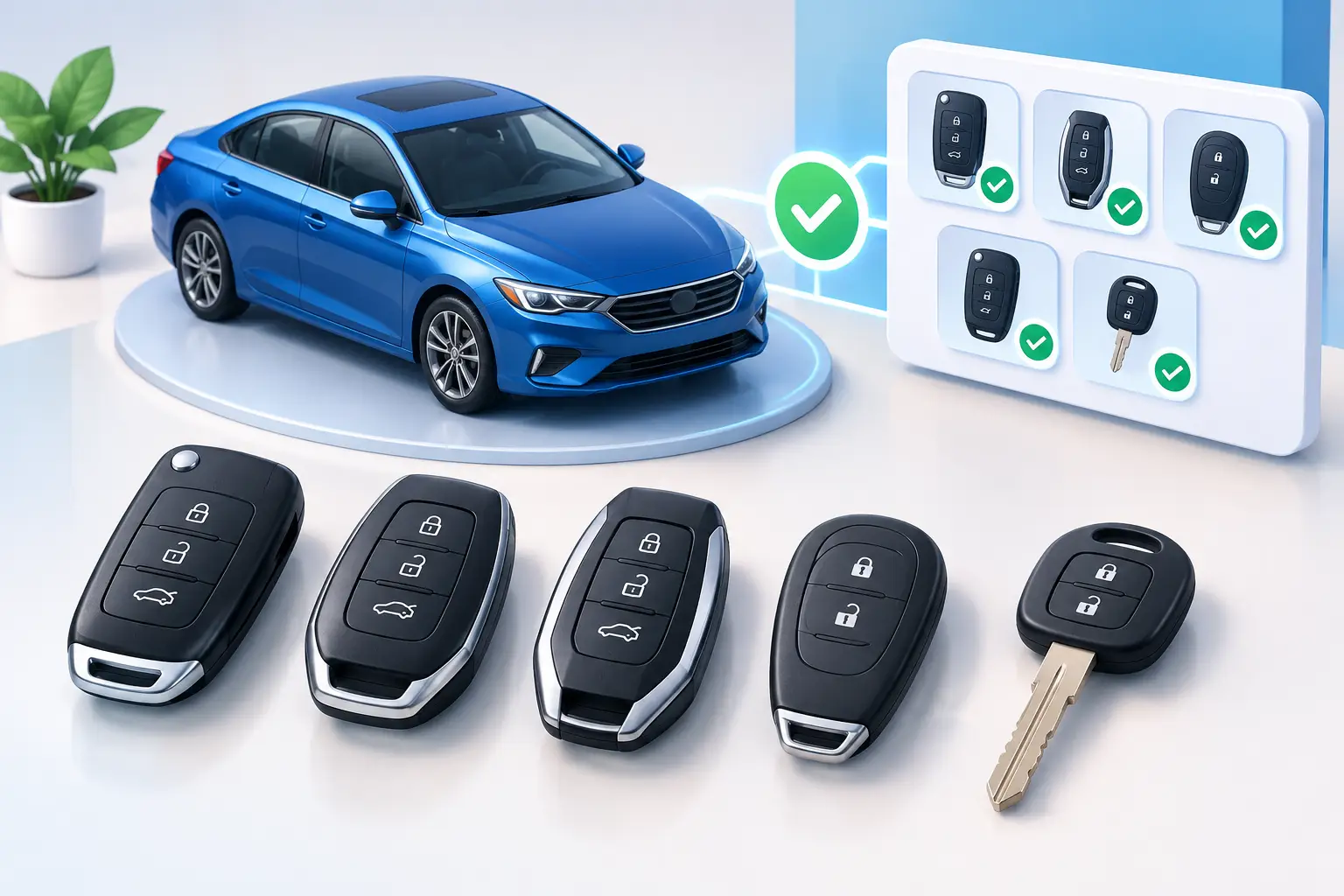
A smart key can look right, fit your hand, and still fail to start your car. That is the frustrating reality behind many online key purchases. This smart key compatibility guide helps you identify what actually has to match before you order a replacement fob, duplicate a working key, or call for help after losing every key.
For most drivers, the goal is simple: get back in the vehicle and get it running without paying for the wrong part twice. The fastest path starts with accurate vehicle information, not a photo of a key fob.
What Smart Key Compatibility Really Means
Compatibility is more than the make printed on the listing. A key may be designed for Toyota or Lexus vehicles but work only with certain model years, trims, push-button start systems, immobilizer versions, or radio frequencies. Two fobs can have identical button layouts and different electronics inside.
Your vehicle must recognize the key's transponder or encrypted chip before it will allow the engine to start. The remote portion also needs to communicate at the correct frequency for lock, unlock, panic, liftgate, and other functions. If the fob includes a removable emergency key, the mechanical blade must be cut to your vehicle's lock pattern as well.
That means a replacement can have several compatibility layers at once: the correct vehicle application, the correct electronics, the correct emergency key blade, and the correct programming procedure. Missing one layer can leave you with a fob that locks the doors but will not start the vehicle, or a key that starts the car but has no working remote functions.
Start With the Vehicle, Not the Key Photo
The most reliable identification begins with your vehicle's year, make, model, and trim. Add the VIN whenever possible. The VIN helps a key professional verify production details that a basic vehicle description may miss, especially when a model changed key systems during the same model year.
For example, a Toyota or Lexus model may have a standard remote head key in one trim and a proximity smart key in another. A push-button start vehicle typically uses a different system from a version with a traditional ignition cylinder. Hybrid, premium, and fleet configurations can also use different equipment.
If you still have a working key, check the information printed on its back or inside the battery compartment. Useful identifiers may include an FCC ID, part number, board number, or frequency. These codes are far more useful than comparing shell shape alone.
A clear photo of both sides of the fob can help confirm what you have, but it should support the vehicle details, not replace them. If the case is cracked, worn, or aftermarket, the exterior may not accurately represent the electronics inside.
The details that should match
Before selecting a replacement, verify these points:
- Vehicle year, make, model, trim, and whether it has push-button start
- VIN and, when available, the original key's FCC ID or part number
- Button configuration, including panic, liftgate, sliding door, or remote-start functions
- Emergency key blade style and whether the vehicle has a concealed door lock cylinder
- Programming requirements for the immobilizer and remote system
These checks take less time than returning an incompatible fob or waiting for a second service visit.
Why the Same-Looking Fob May Not Work
A common mistake is assuming that the number of buttons determines compatibility. It does not. A three-button fob may resemble another three-button fob, yet use a different frequency or encryption system. The vehicle may reject it completely, even if it can be inserted into the same shell.
Model-year changes create another issue. Automakers update electronic systems, sometimes without noticeably changing the vehicle's exterior or key design. A fob from a 2018 model could look almost identical to one from 2020 while requiring a different chip or programming method.
There is also a difference between an original-equipment key, an aftermarket replacement, and a used key. A quality aftermarket key can be a practical, affordable option when it is built for the exact application and can be programmed correctly. Used smart keys are more complicated. Many are locked to the previous vehicle or cannot be reused without specialized reset procedures. Some cannot be reset at all.
The lowest advertised price is not always the lowest final cost. If a key cannot be programmed, has poor signal range, or arrives with the wrong chip, the savings disappear quickly.
Programming Is Part of Compatibility
Buying the correct fob is only half the job. The key must usually be programmed to the vehicle so the immobilizer recognizes it. On many smart-key vehicles, a simple button sequence will not add a new key. Professional diagnostic equipment and security access may be required.
Programming is especially critical when every working key has been lost. In an all-keys-lost situation, the vehicle may need a new key generated from the VIN, an emergency key cut, and a smart key programmed directly to the immobilizer. Depending on the system, old lost keys can often be removed from the vehicle's memory so they can no longer start it.
That security step matters. If your key was stolen rather than misplaced, adding a new key without deleting the missing one may leave the vehicle exposed. Tell the technician what happened so the correct service path can be chosen.
For compatible Toyota and Lexus keys, Smartkeys can help identify the right replacement and handle cutting, programming, repair, or all-keys-lost service at the vehicle. The right equipment turns a complex electronic issue into a straightforward recovery plan.
Can you program a smart key yourself?
It depends on the vehicle and the job. Some vehicles permit limited remote programming when one working key is already available. Others require a scan tool, a security PIN, a registered key, or a professional subscription-based system. Even when do-it-yourself programming instructions exist, they may add remote functions without correctly registering the immobilizer.
If the vehicle will not start after programming, do not keep trying random sequences or repeatedly cycling the ignition. That can waste time and, in certain cases, create additional diagnostic work. Confirm that the fob itself is correct before assuming the vehicle has a larger problem.
Do Not Forget the Emergency Key
Most proximity fobs include a hidden mechanical key. It is easy to overlook until the smart key battery dies, the fob is damaged, or the vehicle battery is weak. The emergency key can open the driver's door, but it may not start a push-button vehicle by itself.
Emergency blade compatibility is separate from fob compatibility. The blade needs the correct profile and must be cut accurately. Some replacement fobs come with an uncut insert, while others require a specific blank. If you are replacing a damaged shell and moving over your original electronics, confirm that your existing blade will transfer correctly.
Keep the emergency key with the fob after it is cut. A spare blade sitting in a drawer does not help when you are locked out at work, at the airport, or in a grocery store parking lot.
When a Key Problem Is Not a Compatibility Problem
Not every nonworking key needs to be replaced. A dead coin battery, broken button contacts, water damage, worn shell, damaged emergency blade, or loose internal battery terminal can cause similar symptoms. If the vehicle says key not detected, try holding the fob against the designated backup start area listed in the owner's manual. That may help determine whether the battery or proximity signal is the issue.
If a spare key works normally, the vehicle is usually not the problem. Repairing the original fob or replacing its shell may be more cost-effective than purchasing and programming a complete key. On the other hand, if neither key works, the vehicle battery, antenna, receiver, or immobilizer may need attention.
A quick diagnosis prevents replacing a good key when the actual issue is a battery, a damaged case, or a vehicle-side fault.
A Better Way to Order or Request Service
Have your year, make, model, VIN, and service location ready before you buy or request mobile help. If you have the original fob, include its FCC ID and a photo. Explain whether you need a spare, a replacement for a damaged key, a shell repair, or help because every key is gone.
Also mention the symptoms. Does the key unlock the car but not start it? Does it start the vehicle only when held near the button? Was the fob exposed to water? Details like these help separate a compatibility question from a repair or programming issue before money is spent.
Your car should not be sidelined by a fob that only looks correct. Verify the electronic match first, keep a programmed spare when you can, and get experienced help quickly when your only key stops working.