






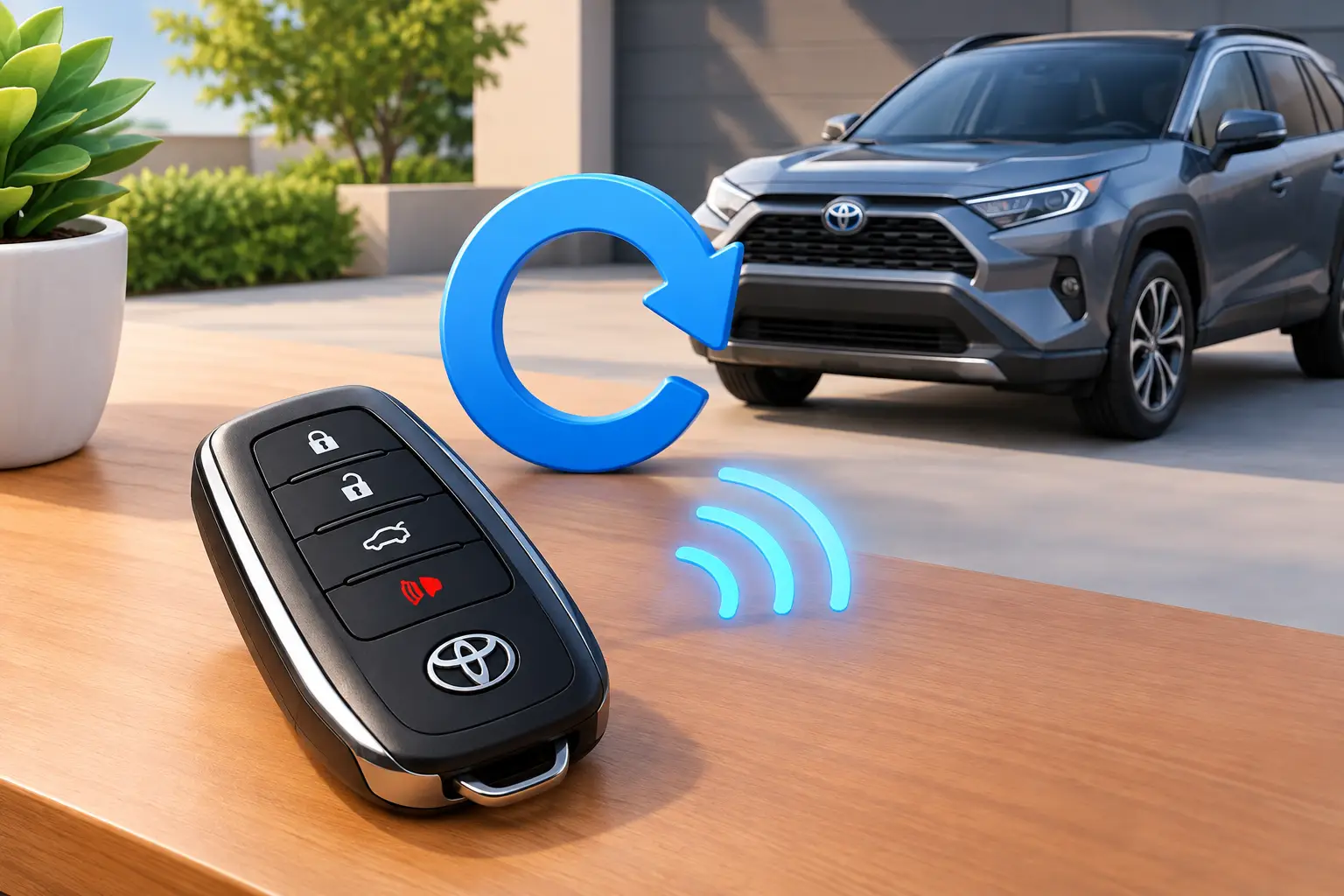
A Toyota remote that suddenly will not lock, unlock, or start the vehicle can turn a normal morning into a missed appointment. Before you try to reset Toyota keyless entry system functions, separate a simple fob problem from a vehicle-side programming or security issue. The right fix may be as easy as a new battery, but a modern Toyota smart key may need professional programming.
The key point: resetting is not one universal button sequence. Toyota uses different systems across model years, trims, and key types. A procedure that works on an older remote fob can do nothing on a push-button-start Toyota - or, worse, leave you with a key that still needs to be reprogrammed.
What “Reset” Means on a Toyota Keyless Entry System
Drivers use the word reset for several different problems. Your remote may have lost power after a weak battery. The fob buttons may be worn or damaged. A replacement remote may not be paired to the vehicle. Or the vehicle may have an electrical issue that prevents the receiver from recognizing any remote.
Older Toyota models commonly use a separate remote-control fob and a transponder key. The remote operates the door locks, while the transponder chip allows the engine to start. Those are related but separate systems. A remote can stop unlocking the doors while the key still starts the vehicle.
Many newer Toyotas use a smart key. The fob communicates with the vehicle for passive entry and push-button starting, while an immobilizer verifies that the key is authorized. If a smart key will not start the car, the problem is not always something a home reset can solve. The vehicle’s security system may need diagnostic equipment and an authorized key programmed to it.
Start With the Fast Checks
Do not begin with key cycling or programming steps. First, test the easy causes that account for many keyless-entry failures.
Try your spare key, if you have one. If the spare works, the vehicle receiver and door-lock system are probably fine, and the original fob needs attention. If neither key works, look at the vehicle battery, door-lock fuses, receiver, or a setting that affects remote operation.
Next, stand close to the vehicle and try each button. A remote’s range often gets shorter before the battery fails completely. If the fob works only when held near the driver’s door or windshield, replace its coin-cell battery. Use the correct battery type printed inside the fob, install it with the correct polarity, and make sure the battery contacts are clean and seated firmly.
Check the physical condition of the key as well. A cracked case, loose buttons, water exposure, or a fob that has been dropped repeatedly can damage the circuit board. A new shell can help when only the exterior is worn, but it will not repair broken electronics or restore missing programming.
For a smart key, try the emergency starting method listed in your owner’s manual. On many Toyota models, holding the fob close to the Start button while pressing the brake and Start button can help the vehicle read a weak smart-key signal. This is a useful test, not a permanent repair. If it works, replace the fob battery soon.
How to Reset Toyota Keyless Entry System Functions Safely
If you replaced a weak fob battery and the remote still does not respond, give the fob a clean restart before assuming it needs programming. Remove the battery, wait about one minute, then reinstall it. Press each button once after the battery is back in place. This can clear a temporary power issue in some remotes, although it does not erase or reprogram the key.
If the vehicle battery recently went dead or was disconnected, check whether the doors respond to the interior lock switch. If they do not, the issue is likely in the vehicle electrical system rather than the fob. A battery disconnect rarely re-pairs a Toyota remote. It can reset clock, radio, and convenience settings, but it is not a reliable way to reset keyless entry.
Some older Toyota remote fobs can be synchronized through a vehicle-specific procedure involving the ignition and door-lock switch. The exact timing and number of cycles differ by year and model. That matters because online instructions often lump together Camry, Corolla, Tacoma, RAV4, Highlander, and Prius procedures that are not interchangeable.
Before attempting an older-model pairing procedure, verify all of the following:
- Your exact Toyota model year and trim
- Whether the key has a separate remote or integrated remote head
- Whether the engine uses a traditional ignition key or push-button start
- That the remote is the correct FCC ID, frequency, and part number for the vehicle
If one of those details is wrong, the programming sequence may fail every time. A used fob can also be a poor gamble. Some remotes may be compatible only after clearing prior data, while many smart keys cannot simply be transferred from another vehicle.
Why Modern Toyota Smart Keys Are Different
A push-button-start Toyota does more than receive a lock command. It checks encrypted information between the smart key and the immobilizer system. That security protects the vehicle, but it also means there is usually no universal do-it-yourself reset for a key that is no longer recognized.
A professional can identify whether the issue is the key battery, damaged fob electronics, a failed vehicle antenna, an immobilizer fault, or lost programming. They can also confirm that the replacement key is compatible before cutting an emergency key and programming the electronic functions.
This is especially important when every working key is lost. Avoid buying a random replacement online and expecting the vehicle to learn it automatically. You may end up with a key shell that fits the hand but cannot unlock, start, or communicate with the car. Correct key selection, cutting, and programming should be handled as one job.
Signs You Need Key Programming Instead of a Reset
A reset is unlikely to solve the problem when the fob has fresh batteries but does nothing, the vehicle displays “Key Not Detected,” or the engine will not start even though the remote locks and unlocks the doors. Those symptoms can point to an immobilizer or smart-key authorization issue.
You may also need programming if you purchased an additional key, replaced a damaged smart key, or have a key that starts the car but has no working remote buttons. In some cases, a key can be programmed for starting but not for remote functions, or vice versa. The fix depends on the Toyota system and the key’s compatibility.
If the fob works intermittently after being exposed to water, a battery replacement might not be enough. Moisture can corrode the board long after the fob dries out. A technician can test the remote signal and determine whether repair, a new shell, or a complete replacement is the practical choice.
Protect Your Toyota From the Next Key Emergency
Once the system is working, make a tested spare key. Do not wait until the only key is lost, crushed, washed, or locked inside the vehicle. A duplicate made while you still have a working key is usually simpler and less stressful than all-keys-lost service.
Keep the spare somewhere secure away from the vehicle, not in the glove box. For smart keys, replace the battery at the first sign of reduced range and avoid storing the fob where it can be crushed or exposed to moisture. If the key case is splitting, replace the shell before the circuit board is damaged.
When a Toyota key will not cooperate, speed matters - but so does getting the diagnosis right. Smartkeys can help Toyota owners with remote testing, replacement keys, emergency keys, cutting, and programming at the vehicle. Start with the battery and spare-key checks, then get specialized help before a small keyless-entry problem becomes a no-start situation.