






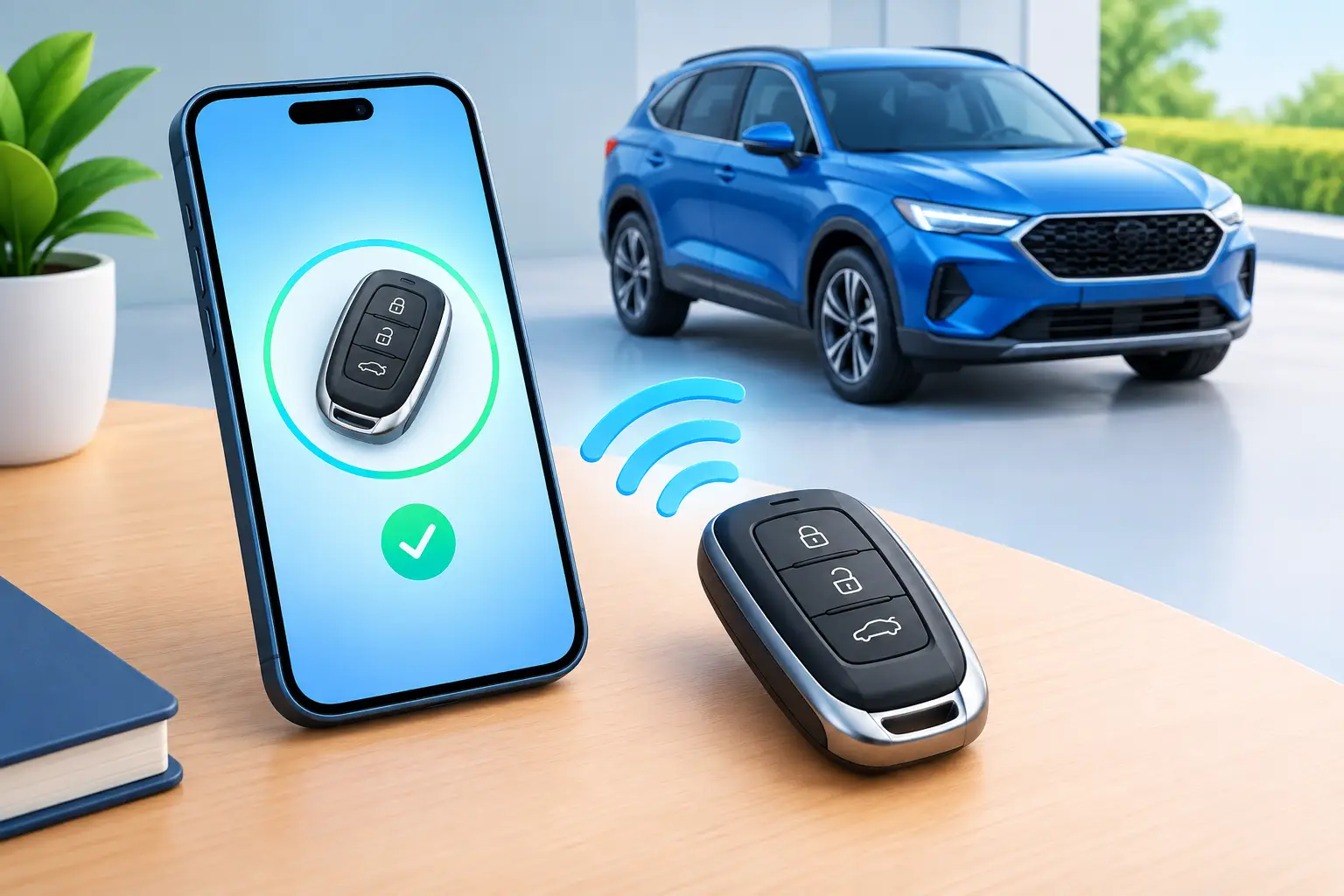
A replacement remote can look exactly like your old key fob and still do nothing when you press Lock. That does not always mean the remote is defective. Your vehicle may simply not recognize it yet. These remote pairing instructions explain what pairing actually does, what you can safely try yourself, and when your car needs professional programming instead.
For many drivers, the goal is simple: get the doors locking, the panic button working, and the car starting again without a long dealership wait. The right solution depends on the vehicle, the type of key, and whether you still have a working key available.
Remote pairing instructions start with the right key type
People often use “pairing,” “programming,” and “syncing” to mean the same thing. In modern vehicles, they can be very different jobs.
Remote pairing usually refers to connecting the buttons on a remote fob to the vehicle’s door-lock receiver. This controls functions such as Lock, Unlock, Panic, trunk release, and sometimes remote start. On some older vehicles, a driver can complete this process using a sequence of ignition, door, and button actions.
Immobilizer or transponder programming is different. The chip inside the key or smart key must be authorized by the vehicle’s security system before the engine will start. A remote can lock the doors but still fail to start the vehicle if its transponder or smart-key credentials have not been programmed.
That distinction matters most for Toyota and Lexus owners. Many newer models use encrypted smart keys that cannot be paired with a universal button sequence. They require compatible equipment, security access, and a correctly matched key. Repeatedly trying an online procedure meant for another model will not make an incompatible fob work.
Before you try pairing a replacement remote
Take two minutes to confirm the basics. It can save you from troubleshooting the wrong problem.
First, compare the replacement remote with the original, if you still have it. Check the part number, button layout, frequency, and whether it includes an emergency key blade. A remote may fit the shell perfectly while using electronics meant for a different trim level or model year.
Next, install a fresh battery in the remote. Make sure it is facing the correct direction and that the battery contacts are clean and firmly seated. A weak coin-cell battery can cause intermittent range, delayed button response, or a fob that appears completely dead.
Then test the vehicle side of the system. If none of your remotes lock or unlock the doors, the issue may be a blown fuse, weak vehicle battery, damaged door-lock actuator, receiver issue, or body-control module fault. Pairing another fob will not repair those problems.
If you have one working remote, keep it nearby but do not leave it inside the vehicle while you work. It gives you a reliable way to compare results and helps avoid an accidental lockout.
How basic remote pairing may work on older vehicles
Some older vehicles have a manual registration mode. The exact steps are model-specific, so use instructions matched to your vehicle's year, make, model, and remote part number. A typical process may involve closing all doors, cycling the key in the ignition a specific number of times, opening and closing the driver’s door, then holding remote buttons until the locks cycle.
The lock cycle is the vehicle’s confirmation signal. If the locks cycle once or twice at the expected point, the car may have entered programming mode or accepted the remote. If there is no response, stop rather than repeating random sequences for half an hour. Timing is often precise, and one wrong step can prevent the procedure from working.
Manual pairing has limitations. It is more common with separate mechanical keys and basic remote fobs. It is much less common on push-button-start vehicles, proximity smart keys, and late-model vehicles with advanced immobilizer security.
Also, some procedures erase previously registered remotes before adding the new one. That is a serious trade-off if your family uses multiple keys. Do not begin a procedure unless you know whether it adds a remote or resets the whole remote list.
Signs the remote was paired successfully
After a successful pairing, stand a few feet from the vehicle and test Lock and Unlock several times. Test Panic only when you are prepared for the alarm to sound, and test trunk release only if your model has that function.
A properly paired remote should work consistently, not only when pressed against the driver’s door. If it works at extremely short range, replace the battery again with a quality battery and inspect the fob for bent contacts, moisture damage, or a cracked circuit board.
Remember that successful button pairing does not confirm the vehicle will start. If the engine does not recognize the key, you may still need transponder or smart-key programming.
Why remote pairing instructions sometimes fail
The most common problem is not the driver. It is the wrong remote. Aftermarket remotes vary in quality, and a listing that says a fob is “compatible” may cover several versions that are not interchangeable. A matching FCC ID or part number is usually more useful than matching the vehicle’s appearance alone.
Another common issue is a used smart key. Many smart keys cannot simply be transferred from one vehicle to another. Depending on the system, the key may be locked to its original vehicle, may need specialized reset work, or may not be reusable at all.
A damaged original fob is another clue. If the buttons stopped working after a drop, water exposure, or a cracked shell, the internal board may be the problem. In that case, moving the board into a new shell or repairing the fob may make more sense than trying to pair a replacement.
Finally, all-keys-lost situations are different from adding a spare. Without any working key, the vehicle may require key generation, immobilizer access, programming, and possibly rekeying. This is not a job for a generic pairing sequence, especially on encrypted Toyota and Lexus systems.
When professional key programming is the faster choice
Call for professional help when the vehicle has push-button start, the replacement is a smart key, the engine will not start, all keys are lost, or the vehicle does not enter manual programming mode. A trained automotive locksmith can identify the correct key, verify compatibility, cut an emergency key when needed, and program the remote and immobilizer system at the vehicle.
That approach is often more practical than ordering several remotes and hoping one works. It also matters when you need your car for work, school pickup, appointments, or rideshare driving. The lowest-priced fob is not a bargain if it cannot be returned, programmed, or trusted when you need to leave quickly.
Smartkeys works with modern remote fobs, transponder keys, and crypto electronic keys, including specialized Toyota and Lexus key solutions. For mobile service, have your vehicle year, make, model, location, and any existing key information ready. Clear details help the technician arrive with the right equipment and key option.
Keep a working spare before the emergency
Once your remote is working, consider making a tested spare while you still have a functioning key. Adding a duplicate is usually simpler than starting from zero after a loss. Keep the spare somewhere secure, not in the glove box or attached to the same key ring.
Treat your key fob like the small security device it is. Replace its battery before it fails completely, protect it from water, and do not ignore reduced range or inconsistent buttons. A quick fix now can keep a dead remote from becoming the reason your vehicle stays parked later.