






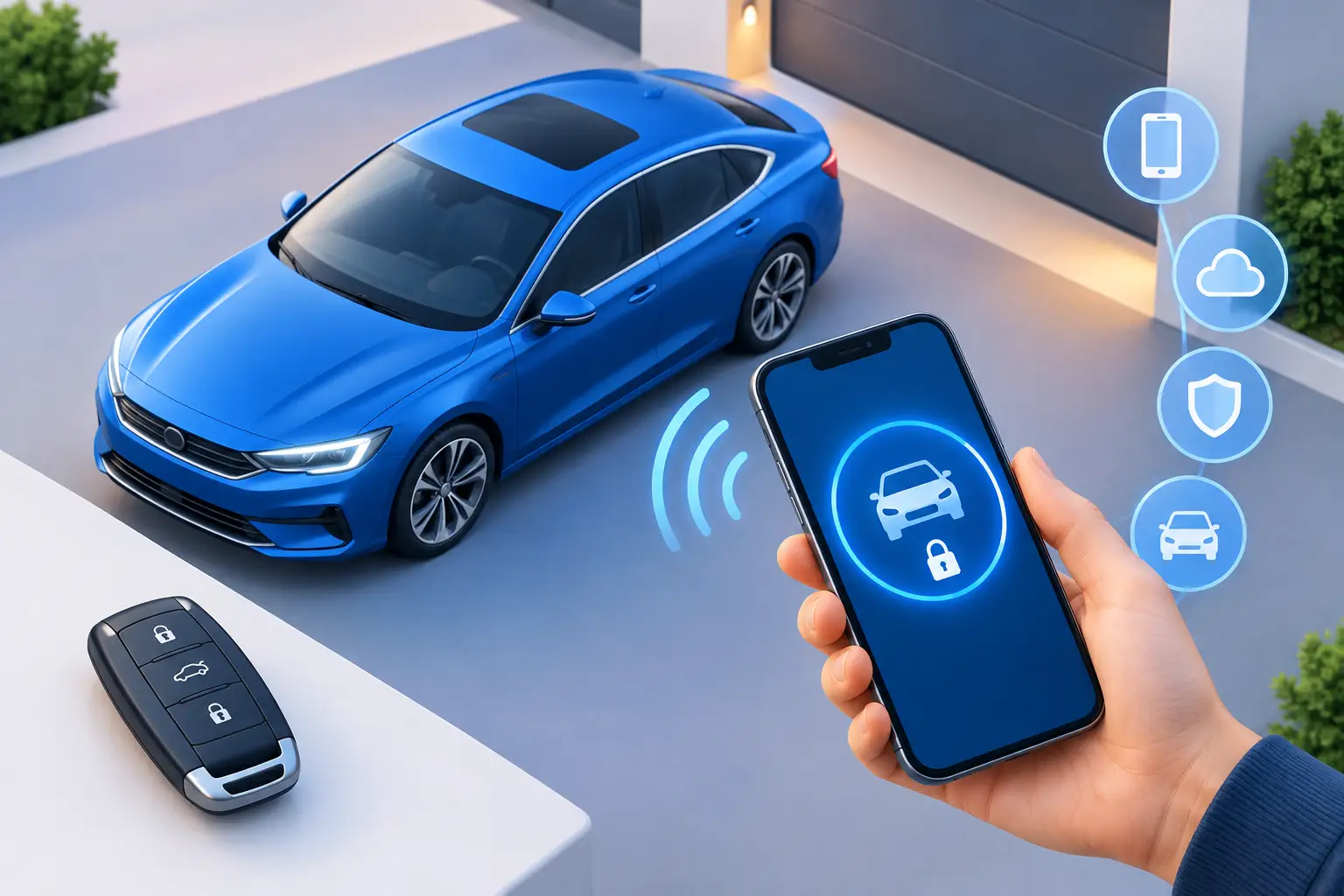
You are standing beside your car with groceries, your phone has a low battery, and the vehicle will not respond. Digital keys are convenient right up until access fails. Knowing what your car uses, what can go wrong, and where your backup is can save you from a stressful delay when you need to be somewhere.
For many drivers, the term digital key sounds like a phone app. In reality, it can describe several systems that let your vehicle recognize an authorized driver without a traditional metal key in the ignition. The right solution depends on your vehicle's year, trim, security system, and the key technology it was built with.
What Are Digital Keys for Cars?
A digital car key is an electronic credential that allows you to lock, unlock, start, or share access to a compatible vehicle. Depending on the vehicle, that credential may live in a smartphone wallet, a manufacturer app, a smart key fob, or another secure device.
Many newer vehicles use Bluetooth, Near Field Communication, or ultra-wideband technology to confirm that an approved key is nearby. The car then checks encrypted information before it allows the doors to open or the engine to start. That security check is why a replacement key cannot simply be copied like an old house key.
For Toyota and Lexus owners, the term can also overlap with smart keys, proximity fobs, transponder keys, and immobilizer systems. These systems may feel simple at the door handle, but they rely on programmed electronic communication between the vehicle and the key.
A smart fob and a phone key are not always the same thing
A smart fob is the familiar remote that stays in your pocket or bag. It can communicate with the vehicle automatically, often allowing push-button start when the fob is inside the cabin. A phone-based digital key uses a compatible mobile device instead.
Some vehicles support both. Others require the original smart fob and may only offer phone access through a manufacturer-specific feature. Do not assume that every push-button-start vehicle can use your phone as a key. Compatibility can vary by model year, trim level, software version, and region.
The practical point is simple: your vehicle needs a properly authorized credential. Whether that is a fob, transponder key, phone, card, or emergency mechanical key, the vehicle will reject anything that is not programmed correctly.
How Digital Keys Protect Your Vehicle
Modern automotive keys are designed to do more than open a door. They help prevent unauthorized starting. Your car's immobilizer recognizes the electronic chip or encrypted signal in an authorized key and blocks the engine from starting when that signal is missing or incorrect.
This is good news for security, but it changes the replacement process. A blank fob that looks identical to your original may not work until it is matched to the vehicle. In some situations, the remote functions, such as lock and unlock, may work while the vehicle still will not start. In others, a worn fob battery can make the problem appear more serious than it is.
Phone-based access adds another layer of control. Some systems let an owner share temporary access with a family member, valet, or friend, then remove it later. That is useful, but shared access should be managed carefully. Remove old users after selling the car, changing drivers, or ending a temporary arrangement.
Common Digital Key Problems That Stop a Drive
Most key problems do not happen at a convenient time. A key may be lost at work, go through the wash, get damaged after a drop, or stop responding after a weak battery. A phone can also run out of power, lose connectivity, get replaced, or fail to communicate with the vehicle after an app or operating-system change.
If your smart key works only when held against the start button or very close to the vehicle, replace the fob battery first. That is often the fastest and least expensive fix. If the vehicle shows a key warning, fails to recognize the fob, or starts inconsistently after a fresh battery, the key may need testing, repair, or programming.
Water damage is especially unpredictable. A fob may appear to work after drying out, then fail later as corrosion affects its circuit board. A cracked shell can also expose internal components to moisture or cause buttons to stop pressing properly. Sometimes a replacement shell is enough. Sometimes the electronics inside need attention, and sometimes a complete programmed replacement is the better answer.
A lost key creates a different concern. If someone could identify your vehicle from the key or may know where the car is parked, simply buying another fob is not always the full solution. Removing the missing key from the vehicle's memory and programming new authorized keys may be the safer move.
Keep a Backup for Your Digital Keys
The best time to plan for a key failure is before one happens. If you have only one working key, getting a duplicate is usually easier than waiting until every key is gone. An all-keys-lost situation can require more diagnostic work, key cutting, immobilizer programming, and additional steps to restore authorized access.
Keep your backup in a secure location away from the vehicle. Leaving it in the glove box does not help if the car is locked, and hiding it near the car can create a security risk. If you use a phone-based key, make sure you know whether your vehicle also has a physical emergency key blade and where it is stored inside the fob.
It also helps to keep your vehicle information available. The make, model, year, VIN, and current location allow an automotive key specialist to identify the likely key type and prepare the right equipment. Proof of ownership is part of responsible key service, especially when all working keys are missing.
A quick readiness check
Before your next key issue becomes urgent, confirm that you have a working primary key, a safe backup key, and a fresh fob battery if your remote response has been weak. If your car supports a mobile digital key, verify that it still works after changing phones or updating the app.
For drivers who share a vehicle, make sure each authorized person knows where the backup key is kept and what to do if the phone key is unavailable. A little planning avoids the frustration of discovering that the only working fob is lost, locked inside, or out of battery.
When You Need Programming, Repair, or Replacement
A replacement key is not always a one-size-fits-all purchase. The correct remote frequency, chip type, key blade, and programming method must match the vehicle. This is particularly true with newer Lexus and Toyota smart keys, where electronic security systems can require specialized diagnostic tools and experience.
If you still have a working key, duplicating it is often the most straightforward route. If the fob is damaged but its electronics still work, a new shell may restore the buttons and protect the circuit board. If the vehicle no longer recognizes the key, programming or a new key may be necessary.
When every key is lost, avoid guessing with an inexpensive online fob and hoping it will start the vehicle. A professional can determine what the vehicle needs, cut any required emergency key, program an authorized replacement, and address the immobilizer system. Smartkeys handles these situations with mobile service, bringing modern automotive key support to the vehicle when driving it to a shop is not an option.
Digital access is built for convenience, but the most reliable setup still includes a plan B. Keep a tested backup, address weak fob signals early, and get qualified help when the vehicle stops recognizing its key. That preparation keeps a small key problem from taking over your entire day.